

4·
5 days agoJust a reminder, lots of public libraries have seed exchanges! A little library of seeds free to be taken and encouraged to be dropped off!
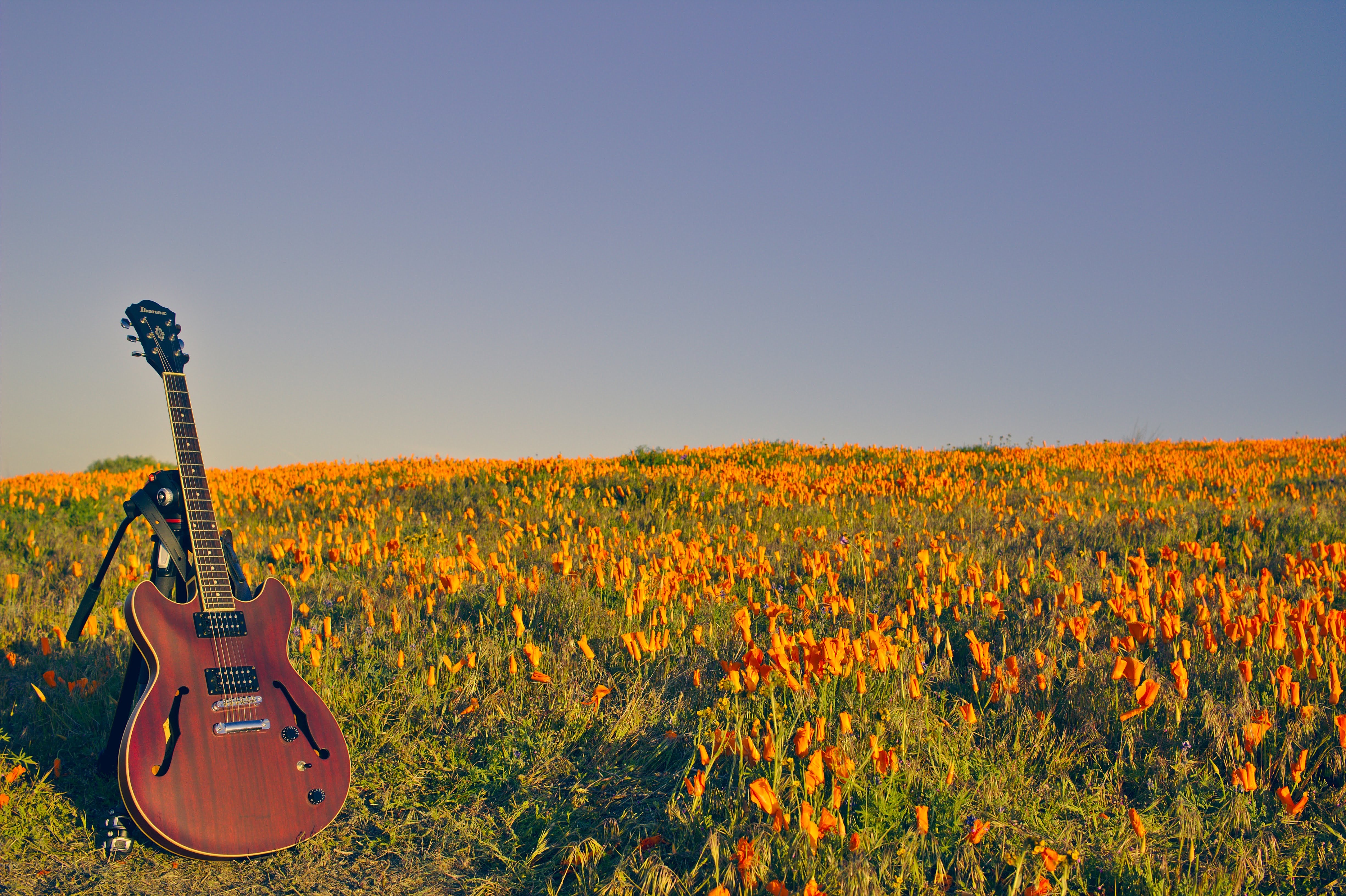
Just a reminder, lots of public libraries have seed exchanges! A little library of seeds free to be taken and encouraged to be dropped off!

Atop is pretty sweet for logging performance metrics over time and including data on what would have caused it with autosorting by effect of process included. Interface isn’t pretty and seems a little complicated on the surface but there are colors to help. That is if synology has repos to install it.
Not trying to be combative here but the tests you linked further support what I was saying. A small chamfer and I really mean small will have a similar effect once rendered in gcode to a fillet. If you have access to software to generate a fillet easily that is good too. That being said I would only do it for the outer rim.
Either way the print looks like it is warping on the lowest layers and has elephants foot which is what I suspect is the biggest issue here.
The steps I proposed are
Hey OP, just so you do not waste time. I mis-spoke and told you the opposite of what you should do in the program. No bevel, I meant chamfer!
I know it doesn’t make a lot of sense to make the surface area touching the build plate smaller but it is worth it since it provides relief from the layers above pulling when it is shrinking.
3 things.
Last thing I would do is maybe adjust your z-offset. It looks like it might be experiencing some elephants foot at the bottom. I would try raising the head just by about .10. Really though that is going to be fully determined by your first layer of course.

Buy a 3d printer pen. Believe it or not they are pretty great at filling the spaces as long as the spaces are not too complicated or wide.
deleted by creator
That is a wild take imo.
It’s been pretty decent overall. I haven’t done a proper comparison or anything though. On the pro I haven’t even really used macOS as I bought it to put Asahi on. That reminds me that I should test the battery cap.
It’s pretty serviceable at this point. Fan and temperature monitoring in the kernel just made its way in too. I’ve been using Nixos with the Asahi kernel on a 64gb M1 Max MacBook Pro for the past few months and it’s been a pretty fantastic experience overall. Before that I was using it on a 8gb m1 air and it was decent enough. I wouldn’t say it’s perfect by any means but it is capable enough that I could not see switching it back to macOS for much of anything outside of some production stuff.
The head might be too close to the bed. You could potentially compensate with either additional top layers in the slicer or just give it some more room to lay down layer one. Another possible cause is potentially too much heat. I am going by the slight elephants foot at the bottom of the cube and the slight droop at the top of the X and Y.
If you ask me it should have been the cob. Not the kernel.
Just wanna add here that it is not just hurt in terms of time, money or loss of data(those are a given). It could even land you in legal trouble that you can not explain your way out of in some extreme circumstances.
This.
Also containerization in general. Not just docker. This includes podman and LXC (which is probably your best bet if you want a full system in a container)
If you are starting with nothing then maybe a lithophane conversion on the photo
https://3dp.rocks/lithophane/ https://itslitho.com/ https://github.com/muldjord/lithomaker
Just some options. 3dp.rocks works well from my experience. That would at least give you a starting point. I’d see if there is some way you can scale it on the z axis of the features are point straight up to get more depth on what the lithophane provides.
Link Yes it was very real and it was very much Canada lol
I know it’s a meme sub but that happened back in 2020.
Agreed. Just point them to the repository. Cloning the repo and running the script is the barrier to entry here. If they can’t do that then reading it would do them no good either which means they have some learning to do.



Shockingly just putting a whole onion in the oven and baking it with no prep, spices or anything is delicious too. It starts to caramelize and it becomes a sweet treat.